If your traffic doesn’t reflect the hard work you’re putting in, your “foundation” might be missing a few bricks. High-quality content is a must, but if your site isn’t functional and user-friendly, readers won’t stick around. Here are the 10 essential tools and features every successful blog needs to connect with readers and boost growth.
1. Seamless Search Function
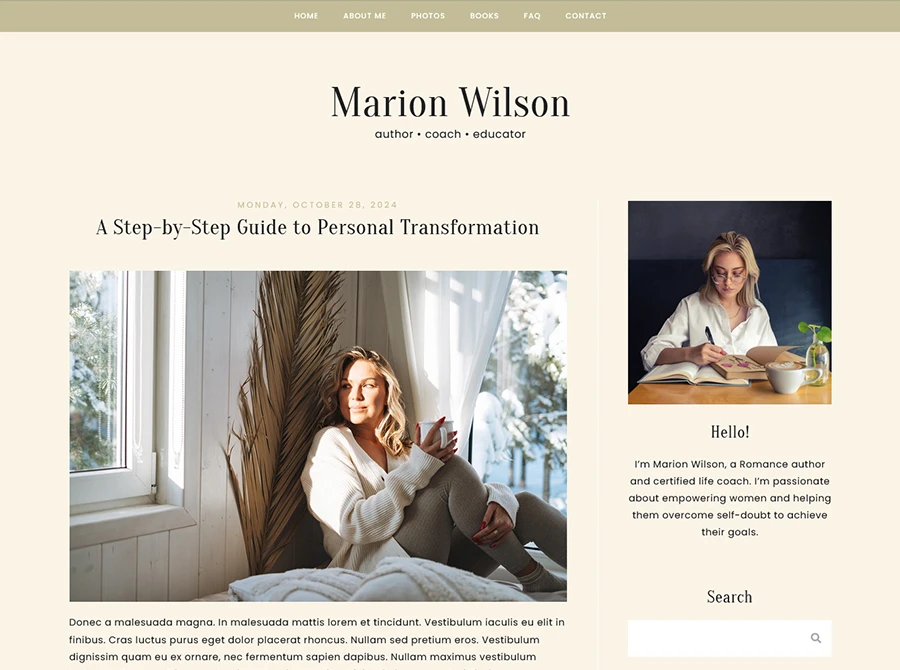
Don’t make your readers hunt for information. If a visitor arrives via Pinterest or Google looking for a specific topic, a prominent search box helps them find exactly what they need within seconds.
- Pro Tip: Use Google Analytics to check your “Bounce Rate.” If it’s high, it might be because users can’t find a way to explore your other content.
2. Intuitive Navigation
Navigation can make or break your site. Keep your menu clean, large, and placed in a standard location (like the header or a persistent sidebar).
- The Typography Rule: Use highly legible fonts – think of the clean serif or sans-serif styles found in modern newspapers. If a reader has to squint to find your “Category” page, they’ll leave.
3. Smart Internal Linking
If a reader finishes one article and there’s nothing else to click, they’ll leave. Keep them down the “rabbit hole” by suggesting what to read next.
The Strategy: Manually link to older, relevant articles within your text, or use a “Related Posts” widget at the end of every entry. This not only improves your SEO ranking but also signals to search engines that your content is valuable and interconnected.
Related Post: 10 Tips for Blog Beginners You Must Know
4. Strategic Social Media Links
Don’t just link to your socials; encourage connection. Place recognizable icons in your sidebar or header.
- Engagement Hack: If your theme allows, use a “Live Feed” widget (like an Instagram grid) to give readers a glimpse of your personality and entice them to click “Follow.”
5. An Active Comments Section
Blogging is a conversation, not a monologue. Comments provide vital feedback and help you build a community.
- Managing Spam: Don’t let bots ruin the experience. Use a plugin like Akismet or enable manual moderation to keep the conversation high-quality.

Related Post: 6 Easy Ways to Get More Comments on Your Blog
6. A Dedicated Contact Form
Avoid posting your raw email address—it’s a magnet for spam bots. Instead, use a dedicated Contact Page with a simple form. This removes friction for brands and collaborators who want to reach out with opportunities.
7. A High-Converting Email Newsletter
This is your most valuable asset. Unlike social media algorithms, an email list gives you a direct line to your audience.
- Placement Matters: Use a mix of embedded sign-up forms and “exit-intent” pop-ups to capture subscribers before they leave.
Related Post: Everything You Need to Know About the Mailing List Feature for Your Site
8. One-Click Share Buttons
Make it effortless for readers to become your marketing team. Floating share bars or buttons at the end of a post act as a “Call to Action” (CTA), prompting readers to send your content to Twitter, Facebook, or Pinterest.
9. A Compelling “About Me” Page
Your “About” page is often one of the most visited pages on a blog. Use it to explain:
- Who you are.
- What value you provide to the reader.
- Where they should start (include links to your “Best Of” posts).
10. A Professional, Clean Theme
First impressions are everything. Your theme should act as a frame for your content – not a distraction.
- The “Clean” Checklist: Prioritize white space, legible font sizes, and a mobile-responsive design. Your content needs room to breathe so the reader doesn’t feel overwhelmed.
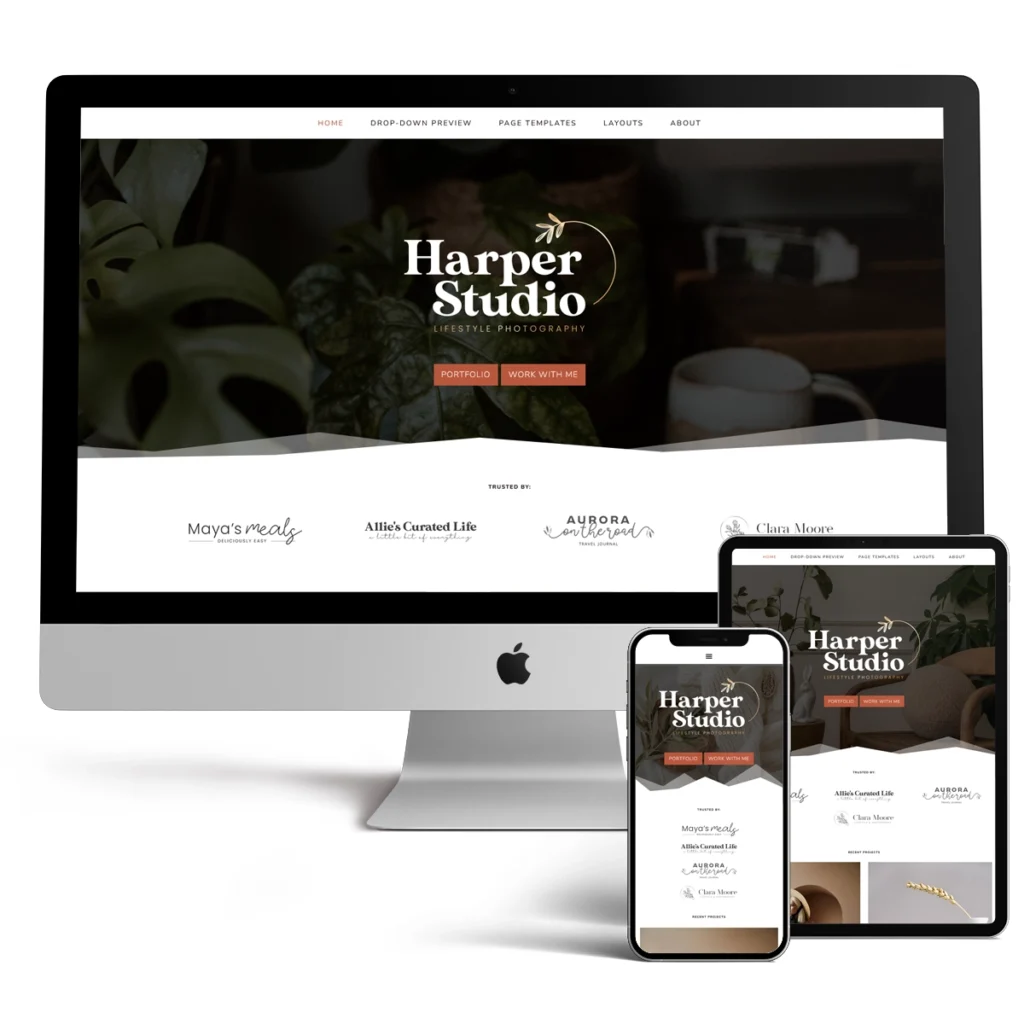
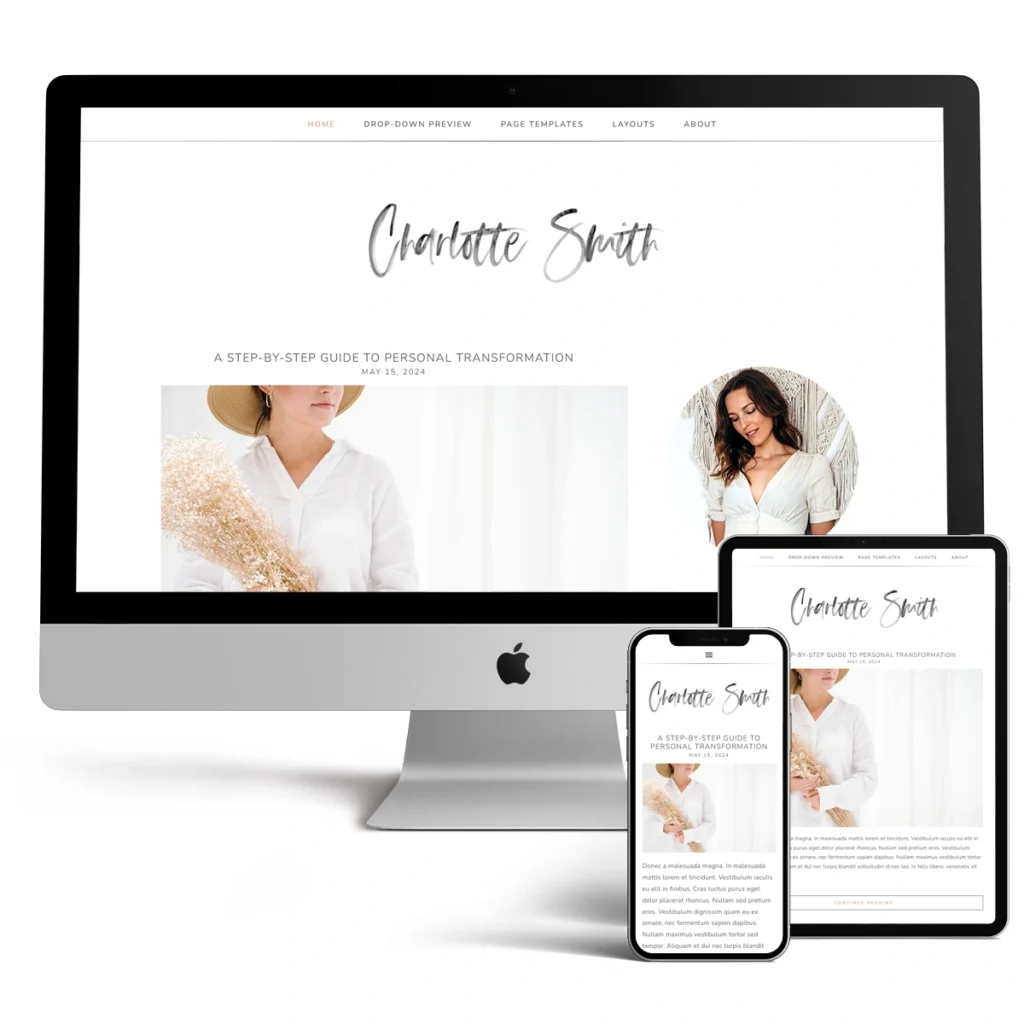
Is your blog’s foundation ready for more traffic? Check out our Professional Theme Gallery to give your site a fresh, modern look!





Leave a Reply